
Local Party Fighter
Royal Vermin
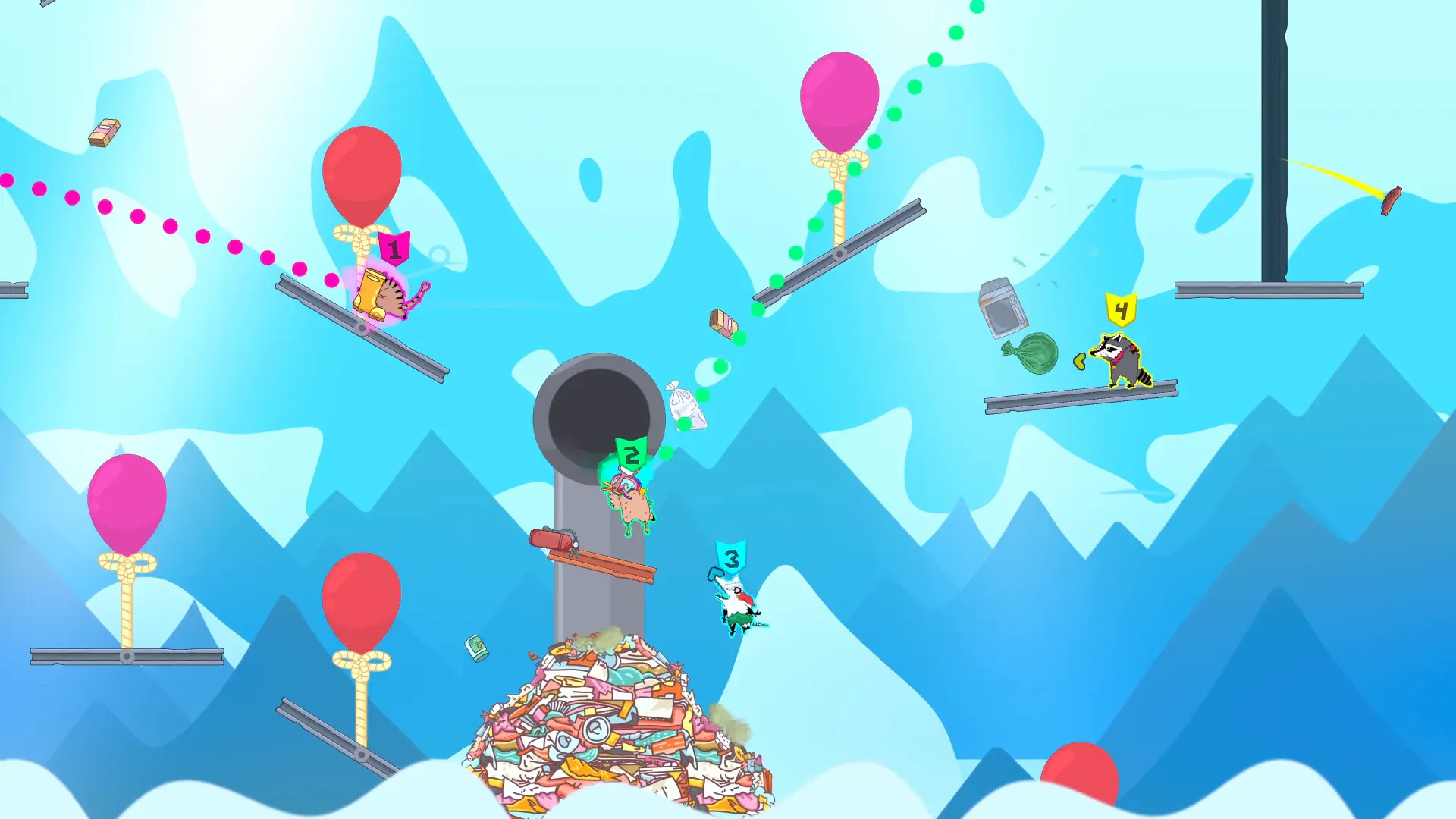
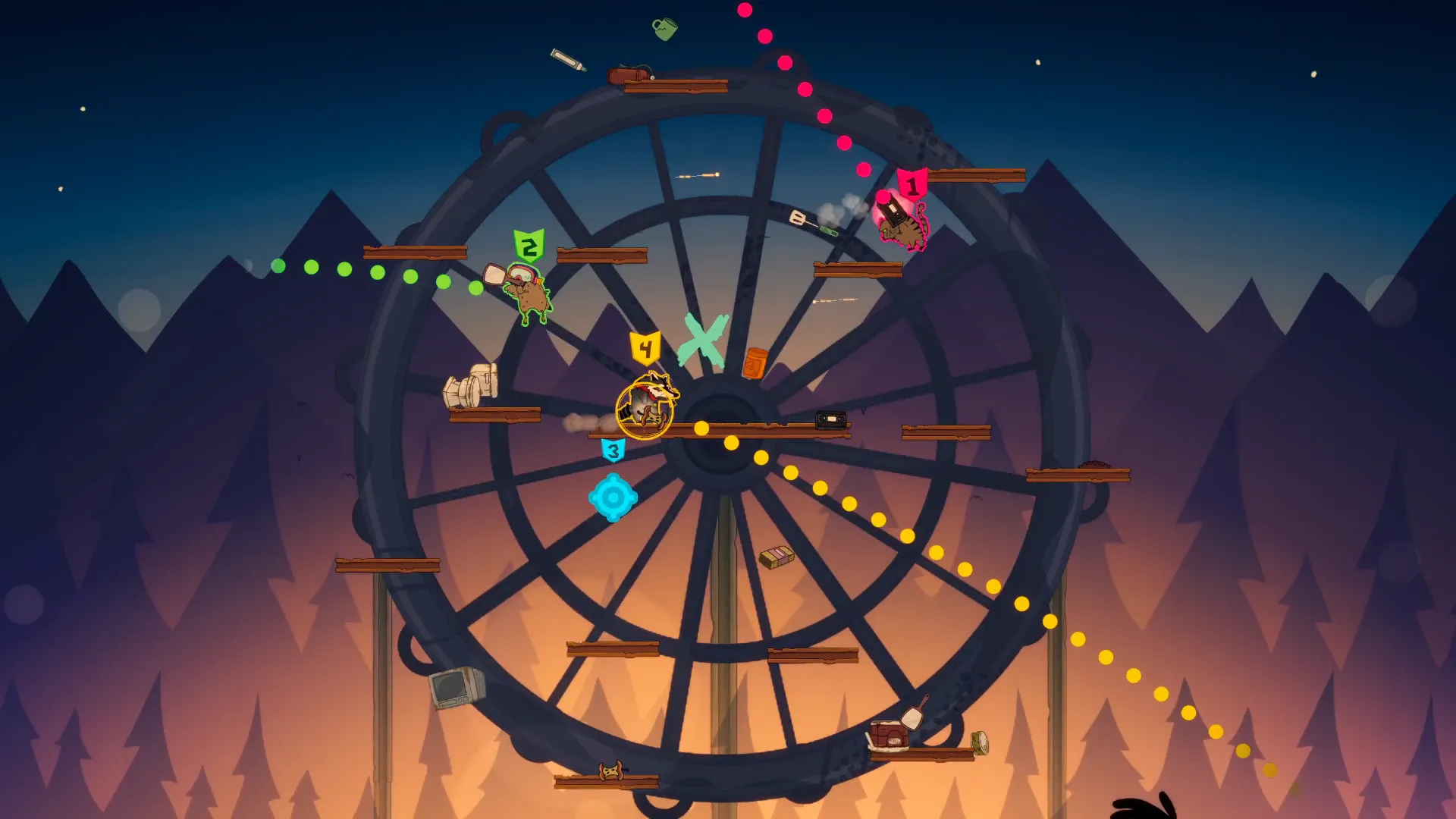
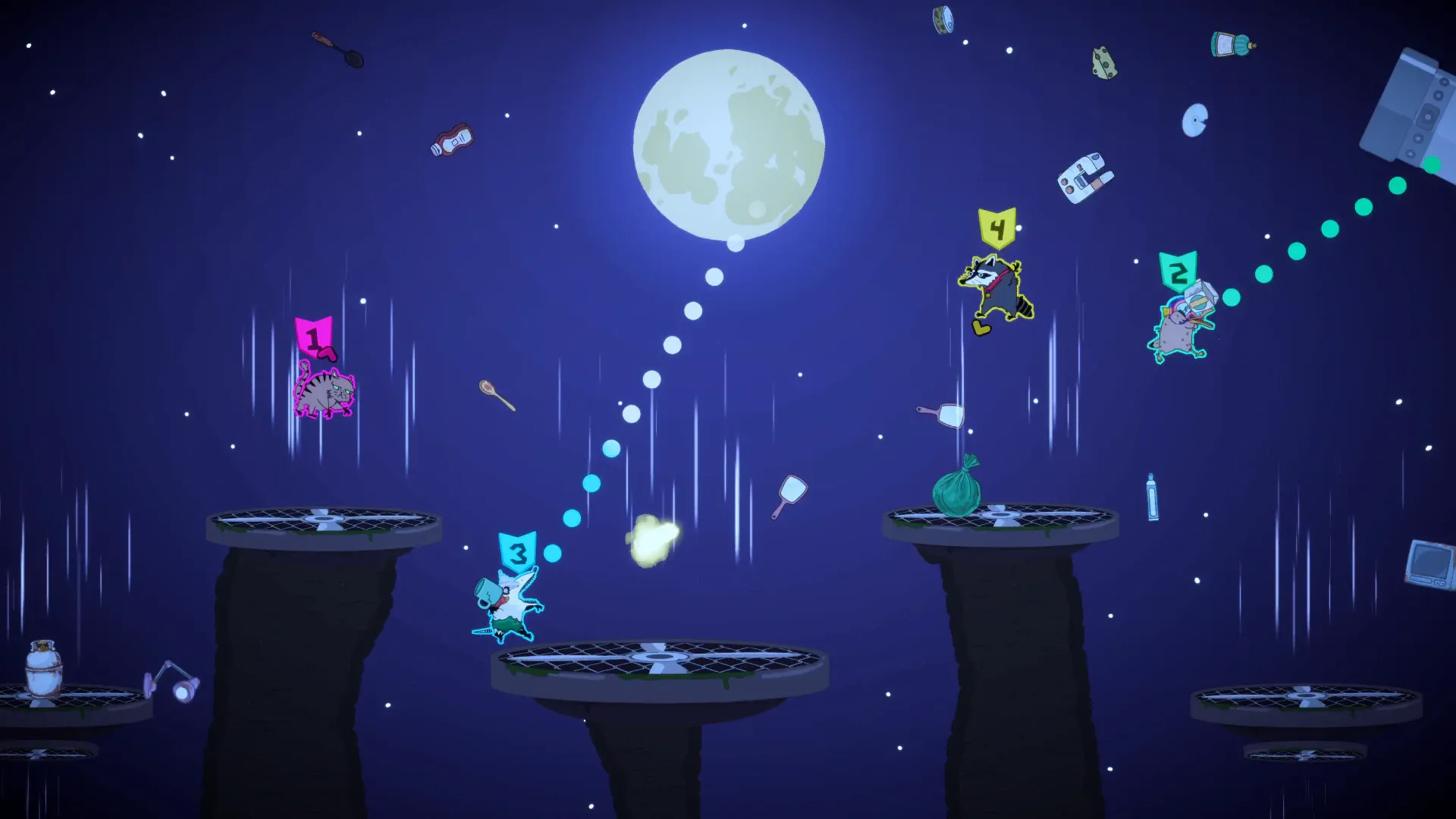
A chaotic physics-based platform fighter for 2-4 players. Free to play on Steam.
About
Royal Vermin is a local platform fighter for 2 to 4 players with fast rounds, physics-based chaos, and arenas that collapse while you play. It's free on Steam and we also shipped a DLC called Beyond The Waste. I worked on this as part of Tobafeu Studio.
My Contributions
Gameplay Feature Design & Implementation
I was in charge of prototyping and building most of the gameplay features, things like combat, projectiles, arena destruction, and the revenge mechanic. Some of the bigger subsystems I made:
- A Tag System inspired by Unreal Engine 5's Gameplay Tags. You can create and edit tags at runtime directly in the editor, which makes it really easy to set up conditions for abilities and gameplay logic without touching any enums.
- A custom Ability System that takes a lot of inspiration from Unreal's GAS, built on top of the Tag System. It handles ability activation, cooldowns and state management for each character.
Tags are auto-generated from the editor so you get compile-time safety. No magic strings, no enums to maintain by hand:
/* Auto-generated — edit via Tools > Tag > Tag Editor */
public static class TagDefinitions
{
    public const uint Ability_Dash = 6;
    public const uint Ability_Charge = 7;
    public const uint Ability_Shield = 8;
    public const uint State_Grounded = 9;
    public const uint State_Stunned = 10;
}
Each ability is a ScriptableObject with tag-based conditions. You define which tags are required, which ones block it, and which ones get granted when it starts. In the game code, using it looks like this:
// Starting an ability from gameplay code
abilityComponent.StartAbility(TagDefinitions.Ability_Dash);

// Checking state before doing something
if (abilityComponent.IsAbilityRunning(TagDefinitions.Ability_Charge))
    ApplyChargeBonus();

// Stopping an ability
abilityComponent.StopAbility(TagDefinitions.Ability_Shield);
Here's what the system supports:
- Tag-based activation: each ability defines required tags, blocked tags, and granted tags. The system checks them automatically before starting.
- Cooldowns: optional per-ability cooldown with events (
OnCooldownStarted,OnCooldownFinished) so the UI can react. - Input buffering: if a player tries to activate an ability while it's blocked, the input is buffered and retried automatically for a short window. Great for fast combat where timing matters.
- Ability Effects: timed abilities that tick at a configurable rate. Easy to make things like a fire DoT:
// A fire effect that ticks damage every 0.5s for 3 seconds
[CreateAssetMenu(menuName = "Abilities/Effects/FireDoT")]
public class FireDoT : AbilityEffect
{
    public float damagePerTick = 5f;

    protected override void ApplyEffect()
    {
        owningComponent.GetComponent<Health>().TakeDamage(damagePerTick);
    }
}
// In the inspector: abilityDuration = 3, tickRate = 2 (2 Hz = every 0.5s)
- Interruptible effects: effects can be set as interruptible or not, so a stun can't be refreshed but a speed boost can.
- ScriptableObject-based: everything is data-driven. Designers create abilities in the editor without touching code.
Cross-Platform DLC System
I built the DLC system so it works on both Steam and Nintendo Switch without needing separate code for each platform. It takes care of detecting what content is available, checking if the player owns it, and loading the right assets. When we shipped the Beyond The Waste DLC, it just worked on both platforms.
For Royal Vermin specifically, we chose not to dynamically load DLC assets. The Beyond The Waste content is shipped with the base game so that all players can see the DLC arenas and skins in-game, acting as a promotion. The DLC system only gates access, not the assets themselves.
From the game code side, you just ask for a DLC and use it. The platform stuff is invisible:
// Check if the player owns a DLC
if (dlcManager.IsOwned(beyondTheWasteDlc))
{
    // Load DLC assets — works on Steam, Switch, wherever
    var assets = dlcManager.LoadAssets(beyondTheWasteDlc);
    // Do something with your assets
}

// Release assets when you're done
dlcManager.ReleaseAssets(beyondTheWasteDlc);

// Listen for purchases in real-time (e.g. player buys DLC mid-session)
dlcManager.OnDlcPurchased += (dlc) => RefreshContentMenu();
Cross-Platform Save System
I made a save system that works the same way on Steam and Switch. It handles all the differences between each platform's storage behind the scenes, so players keep their progress no matter where they play. It also deals with stuff like corrupted saves and cloud sync issues.
Using it in the game is straightforward. You just store and get values, and the platform backend is handled automatically. Objects are serialized automatically, so you can store any type without writing custom serialization:
// Save player progress — objects are auto-serialized
BetterPlayerPrefs.Store("UnlockedCharacters", unlockedList);
BetterPlayerPrefs.Store("TotalWins", playerStats.wins);
BetterPlayerPrefs.Store("PlayerProfile", new PlayerProfile { name = "Hugo", level = 12 });
BetterPlayerPrefs.Save();

// Load it back — deserialized to the right type automatically
if (BetterPlayerPrefs.Get("PlayerProfile", out PlayerProfile profile))
    DisplayWelcome(profile.name);
For game settings, the settings manager handles loading, applying and saving with a simple API:
// Get the audio settings from anywhere in the code
var audio = SettingsManager.Get<AudioSettings>();
audio.masterVolume.Value = 0.8f;  // observers auto-apply the change

// Save all settings at once
SettingsManager.Save();
Platform Approval & Certification
I took care of the whole submission process for Steam and Nintendo Switch (Switch 1 and Switch 2). That means making sure the game passes all the technical checks, fixing whatever the review teams flag, and managing the builds for each storefront.